1.Speed and Data Transfer
USB 2.0:
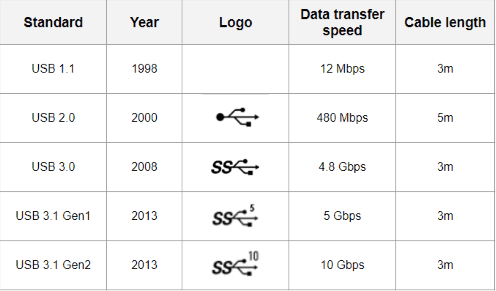
- Speed: Provides a maximum data transfer rate of up to 480 Mbps (megabits per second).
- Use Cases: Suitable for connecting peripherals such as keyboards, mice, printers, and older external storage devices.
- Limitations: Slower data transfer speeds can be noticeable when handling large files or high-definition video.
USB 3.0:
- Speed: Offers significantly faster data transfer speeds, with a maximum theoretical rate of up to 5 Gbps (gigabits per second), which is approximately 10 times faster than USB 2.0.
- Use Cases: Ideal for external hard drives, solid-state drives (SSDs), and other high-bandwidth devices that benefit from faster data transfer rates.
- Benefits: Reduced transfer times and improved efficiency, especially when handling large multimedia files or performing backups.
2.Physical Connectors
USB 2.0:
- Connector: Typically identified by a black-colored connector.
- Compatibility: Backward compatible with older USB devices and ports, but limited to USB 2.0 speeds when connected to newer USB 3.0 ports.
USB 3.0:
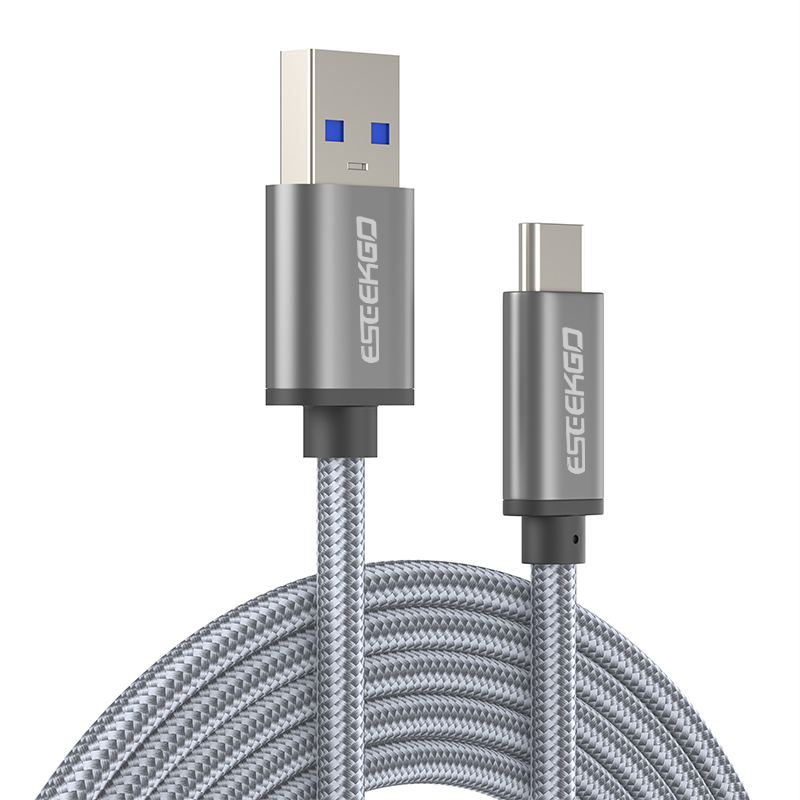
- Connector: Recognizable by its blue-colored connector, designed to distinguish it from USB 2.0 ports.
- Compatibility: While backward compatible with USB 2.0 devices, USB 3.0 devices require a compatible USB 3.0 port to achieve maximum speeds.
3.Power Delivery
USB 2.0:
- Power Output: Provides standard power output suitable for charging smartphones and powering low-power peripherals.
- Usage: Commonly used for charging devices and connecting peripherals that do not require high power.
USB 3.0:
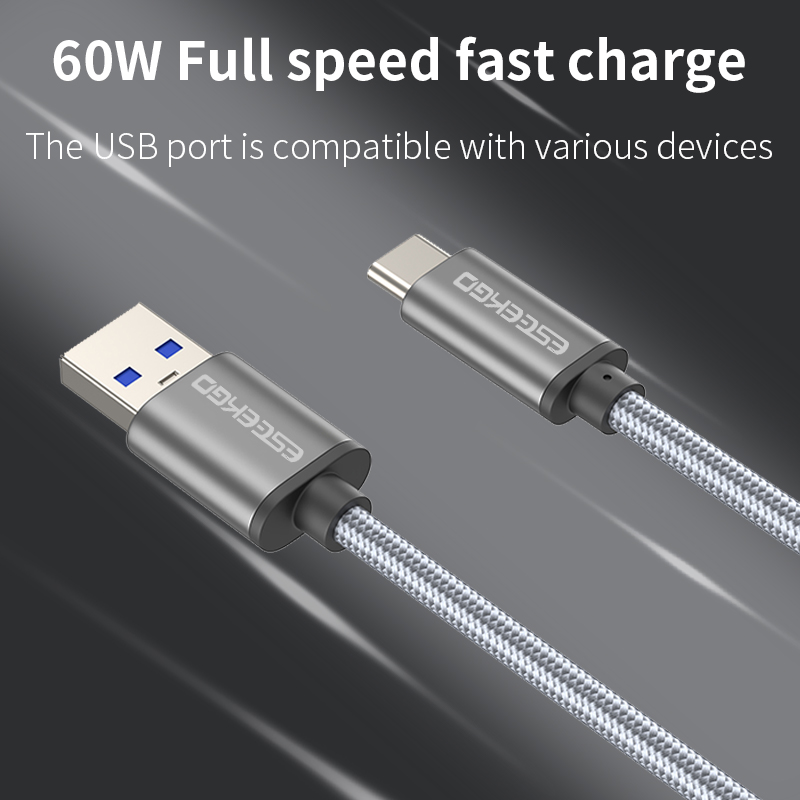
- Power Output: Offers improved power delivery capabilities, allowing for faster charging of devices and powering of higher-demand peripherals.
- Usage: Supports more power-hungry devices like external hard drives without the need for additional power adapters in many cases.
4. Practical Considerations
- Compatibility: Ensure compatibility between your devices and the ports available on your computer or other host devices.
- Future-Proofing: Considering the increasing prevalence of USB 3.0 and USB 3.1 (Gen 1 and Gen 2), investing in devices with faster USB standards can enhance longevity and performance.
- Cost: USB 3.0 devices and peripherals may come at a slightly higher cost than their USB 2.0 counterparts, but the performance benefits justify the investment for many users.
Understanding the differences between USB 2.0 and USB 3.0 empowers users to make informed decisions when selecting devices and peripherals. While USB 2.0 remains viable for basic connectivity needs, USB 3.0 offers substantial improvements in speed and efficiency, particularly for tasks involving large data transfers or high-definition media.
Whether you’re upgrading your external storage solutions, connecting peripherals, or charging devices, knowing which USB standard best suits your needs ensures optimal performance and compatibility in today’s interconnected world.
This guide provides a comprehensive overview of USB 2.0 vs. USB 3.0, highlighting their differences in speed, compatibility, and practical applications, tailored for beginners seeking clarity on modern USB technology.

